Home / Printer Setup
Printer Setup Made Easy.
Choose your printer brand and model to open a model-specific setup guide.
Select Printer Brand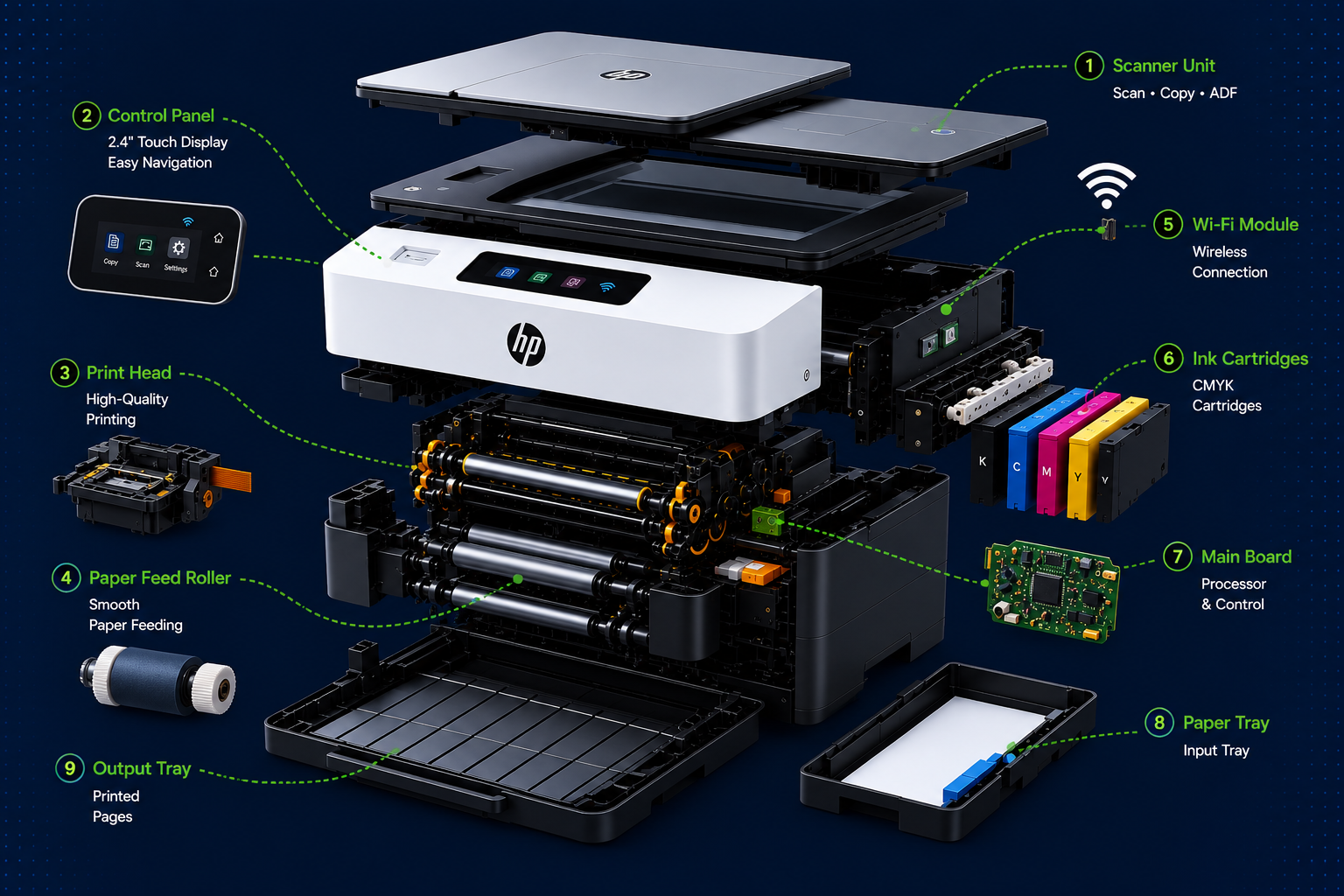
Typical Setup
Start with these steps
Exact menus and controls can vary by model, so use the model guide after selecting your printer.
1
Prepare the printer
Remove packing materials, connect power and load suitable paper and supplies.
2
Connect
Connect through Wi-Fi, USB or the printer's supported network method.
3
Install & test
Install the appropriate software, add the printer and perform a test print.